

The Biggest Waste of Payroll Isn't Staff
Your Software Should Be Moving Data, Not Your Team
Every day, businesses pay good people to do bad jobs. Copying customer information. Updating spreadsheets. Moving invoices. Re-entering booking details. Building reports from multiple systems. This happens because the software running the business doesn't communicate on its own, not because the team is inefficient.
So what's actually going on here?
Most businesses don't have a software problem. They have a communication problem. The CRM doesn't talk to the accounting platform. The booking system doesn't talk to the payroll software. The spreadsheet everyone relies on doesn't talk to anything at all. So a person becomes the bridge, manually carrying information from one system to another, several times a day, every single week. It feels normal because it's been happening for years, but normal isn't the same as necessary. The tools already sitting inside most businesses can usually be connected directly to one another using something called an API (Application Programming Interface), which lets separate platforms share information automatically instead of relying on someone to type it out twice. Once that connection exists, the person who used to spend hours moving data can spend that time on work that actually grows the business. The biggest opportunity in many businesses isn't buying new software. It's connecting the software they already have.
What Is the Hidden Cost of Disconnected Software Systems?
Research from the McKinsey Global Institute, a leading global business research firm, found that the average office worker spends nearly two hours a day simply searching for and gathering information scattered across different tools and systems.
Disconnected software systems cost businesses far more than just these wasted hours. When you add in the human errors, duplicate records, and the manual effort required to piece reports together by hand, the true cost of siloed technology becomes clear.
Duplicate Data Entry Is Quietly Draining Productivity
Duplicate data entry happens whenever the same piece of information gets typed into more than one system by hand. A new customer's details might be entered into the CRM, then typed again into the accounting platform, then copied a third time into a spreadsheet used for reporting. A workplace survey by Smartsheet found that over 40 percent of workers spend at least a quarter of their working week on manual, repetitive tasks like this, with data entry consistently named as one of the biggest time drains.
How Do You Know If Your Systems Are Disconnected?
You know your systems are disconnected the moment two platforms hold different versions of the same information. A customer's phone number might be correct in the booking system but outdated in the CRM. An invoice might be marked as paid in accounting software while the sales team still sees it as outstanding. These small mismatches build up quietly until someone finally notices, usually after a customer complains or a report doesn't add up.
Spreadsheets Are Running Critical Parts of the Business
Spreadsheets often end up filling the gap left by systems that can't talk to each other. A team builds a spreadsheet to track something the software doesn't handle well, then another team builds their own version, and soon several spreadsheets are holding slightly different numbers.
What Are the Common Signs Your Software Isn't Talking to Each Other?
- The same customer or booking details get typed into more than one system
- Staff keep a personal spreadsheet to track things the main software doesn't cover
- Reports take hours to build because the numbers live in different places
- Two systems show different information for the same customer or order
- Someone on the team has become the unofficial "keeper" of accurate data
People Also Ask
- What are the signs my business needs systems integration? If staff regularly enter the same information into multiple systems, rely on spreadsheets to bridge software gaps, or spend hours creating reports manually, your business will likely benefit from systems integration. These are common signs that disconnected software is slowing productivity and increasing the risk of errors.
- How much time does manual data entry actually cost a business? A 2025 report from data automation company Parseur found that manual data entry costs businesses an average of $28,500 per employee per year, with staff spending more than nine hours a week transferring information between emails, spreadsheets, and digital systems.
- What industries are hit hardest by disconnected systems? Businesses that juggle bookings, payments, and customer records across separate platforms tend to feel it most. This is especially common in:
- Hospitality,
- Trades,
- Healthcare clinics
- Professional services.
- Manufacturers
What is an API and how does it fix disconnected systems?
An API acts as a translator that lets two different pieces of software understand each other automatically. Instead of a person copying information from one platform and typing it into another, the API allows the two systems to pass that information back and forth directly, instantly, and accurately, without any manual step in between. Every software platform stores and organises information in its own particular way, a little like two people speaking different languages.
How Does an API Connection Work in Practice, Day-to-Day?
In practice, an API connection runs quietly in the background without anyone needing to think about it. A customer books an appointment, and within seconds, that booking automatically appears in the calendar, the invoice is generated in the accounting platform, and the customer's details are updated in the CRM. Nobody has opened three separate programmes or retyped a single field. The systems have simply exchanged the information they each needed as soon as it became available.
You Don't Need to Replace Your Software to Connect It
Connecting existing systems is usually far simpler and less disruptive than most business owners expect. There's a common assumption that fixing disconnected software means ripping everything out and starting again with an expensive new platform. In reality, most modern CRM, accounting, payroll, and booking platforms are already built with open APIs, meaning they can usually be connected to each other without replacing a single tool the business already relies on.
What Can be Actually Automated for Your Business?
- Sync new customer details across the CRM, accounting platform, and booking system
- Turn a completed booking into an invoice without any manual data entry
- Update payroll records automatically when rosters or timesheets change
- Pull sales, booking, and financial data into a single automated report
- Flag mismatched or missing information across systems before it becomes a problem
People Also Ask
- Is building an API integration expensive for a small business? Costs vary depending on how many systems need connecting and how complex the workflows are, but most integrations are considerably cheaper than the ongoing cost of paying staff to move data manually, month after month.
- Do I need technical staff to maintain an API integration? Not usually. Most businesses partner with a developer or agency to build the integration once, and from there it runs in the background with minimal ongoing maintenance required.
- Can I connect my existing business software without replacing it? Yes. Most modern CRM, accounting, payroll, booking, and eCommerce platforms already include APIs that allow them to exchange data with other software. In most cases, businesses can connect their existing systems without replacing the tools they already use.
- Is API integration worth it for a small business? Yes. API integration is often one of the highest-return technology investments for small businesses because it reduces manual administration, improves data accuracy, and allows existing software to work together without replacing existing systems.
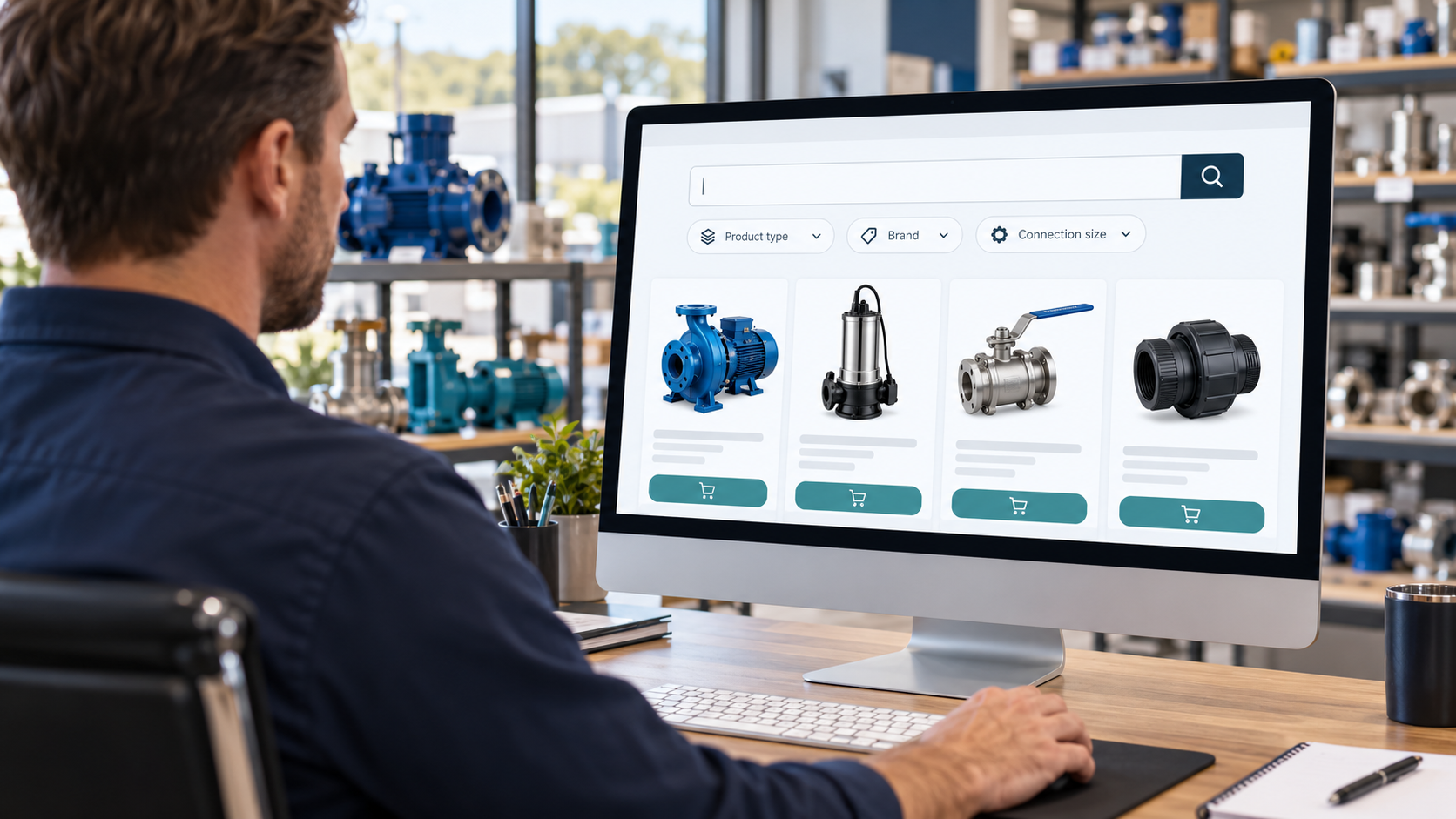
See what API integration looks like in a real-world website; we've explored how Webflow, Xano, and Wized use APIs to connect data, automate workflows, and build dynamic websites for inventory-based businesses.
What actually happens to a business after integrating its software?
Connected systems free up staff time, reduce costly mistakes, and give business owners a clear, accurate picture of what's actually happening across the business. Rather than adding more software, integration simply lets the tools already in place work together properly, which tends to deliver a faster and more noticeable return than most new purchases.
Fewer Manual Steps Mean Fewer Costly Mistakes
Every manual entry point is a chance for a mistake to slip through, whether that's a typo in a customer's email address or a booking that never makes it into the accounting system. Removing the manual step eliminates the opportunity for that error to occur in the first place, reducing the time spent finding and fixing mistakes after the fact.
How Does Integration Improve Reporting and Everyday Decision-Making?
Integration improves reporting by automatically pulling accurate information from every system into one place, rather than relying on someone to assemble it manually. Instead of spending hours each month building a report from three different exports, a business owner can see sales, bookings, and financial performance together, updated in real time, which makes it far easier to spot trends and make decisions with confidence.
Connected Systems Are the Foundation for AI Automation
AI tools can only work with the information they can actually access, which makes connected systems a genuine prerequisite for meaningful automation. An AI assistant that's supposed to answer customer questions, flag overdue invoices, or forecast demand needs live access to accurate data across the business. Without integration, that same AI tool is left working from incomplete or outdated information, which limits what it can realistically achieve.
What Does an AI-Ready, Well-Connected Business Actually Look Like?
- Customer booking and financial data update automatically in real time
- Reports pull together in minutes rather than being rebuilt each month manually
- New tools and AI features can plug into existing systems without a major rebuild
- Staff spend their time on customer-facing and strategic work rather than data entry
- Errors caused by manual re-entry become rare rather than a weekly occurrence
- Free up thousands of dollars each year by removing unnecessary manual administration
People Also Ask
- How long does it typically take to integrate business systems? Simple integrations between two common platforms can often be completed within a few weeks, while more complex, multi-system projects may take a couple of months depending on the number of workflows involved.
- Will integration work with older or less common software? Most established platforms offer an API of some kind, and even older or niche systems can often be connected using middleware tools designed specifically to bridge that gap.
- Example: A wholesaler using an older accounting system alongside a modern eCommerce platform can connect the two through an API or middleware, allowing orders, inventory, and customer information to sync automatically without replacing existing software.
Ready to Stop Paying People to Move Data?
Every business already has enough software. What's usually missing is the connection between them. The businesses that take the time to review how their systems interact, rather than simply adding another tool to the pile, tend to free up hours of staff time and avoid a surprising number of costly mistakes.
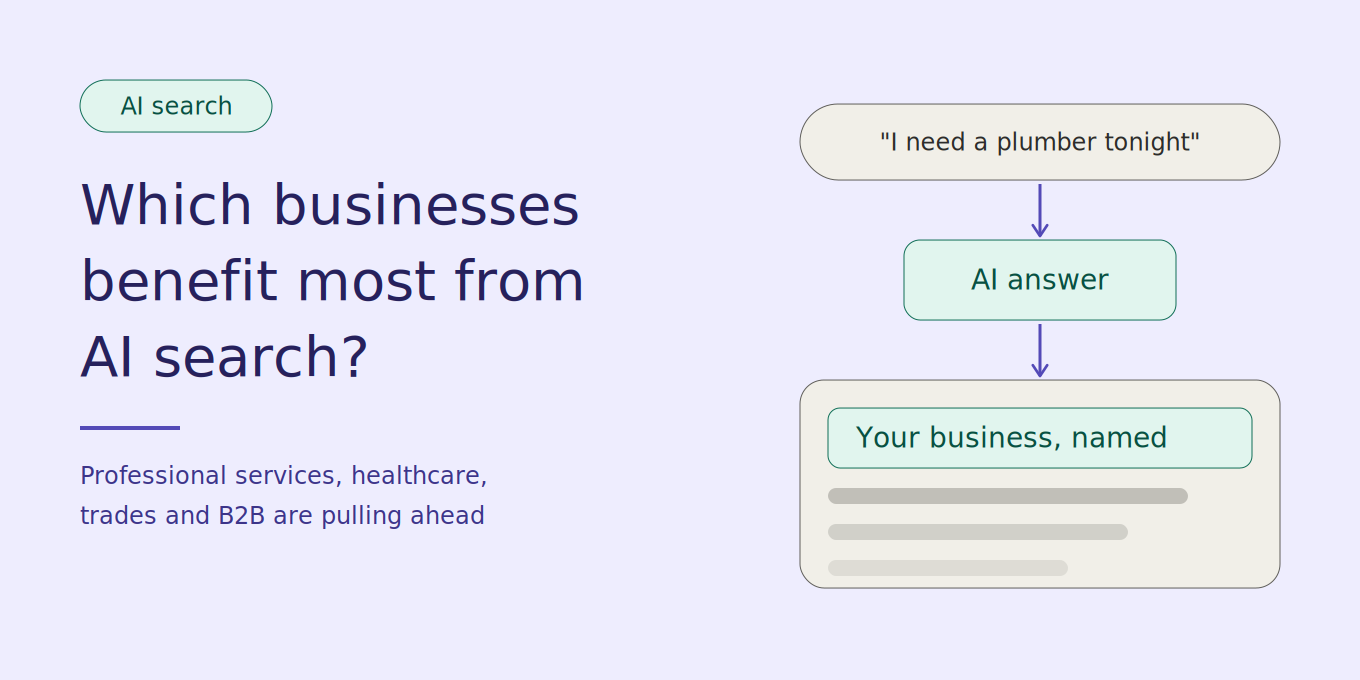
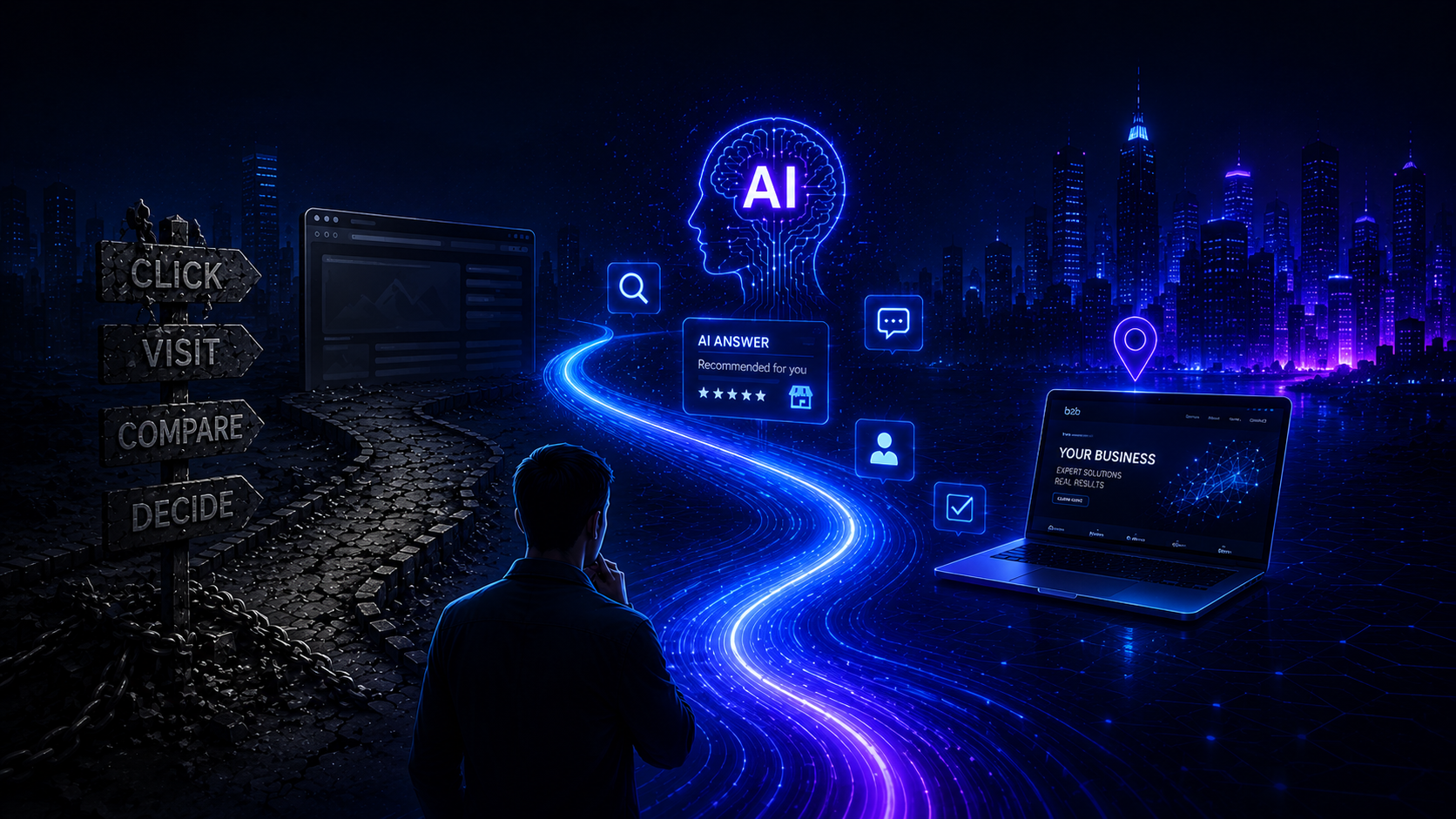
The businesses that understand this shift early will become the trusted sources AI recommends. Those that don't may slowly disappear from the conversation.
The next wave of business growth won't come from buying more software. It will come from finally making the software already in place talk to each other.
If any of this sounds familiar, it's worth taking a look at how many hours your team spends each week moving information between systems by hand. You may be surprised how much of that work can be automated.
If you're looking for a digital solutionthat's built for today's search engines and tomorrow's AI, discover how B2B Websites creates custom, AI-ready websites designed to support long-term business growth.
And if topics like this get you thinking about where your operations could be running more smoothly, we've got a growing library of insights built to help business owners stay ahead of the curve rather than catching up later. If you're wondering how these connected systems influence the way AI understands and recommends businesses, we've also explored the different levels of AI-readiness and what they mean for your long-term visibility.
Frequently Asked Questions
How much can automation save a business? The savings depend on the number of repetitive tasks being automated, but many businesses recover hundreds of staff hours each year by reducing manual data entry, eliminating duplicate work, and improving reporting accuracy. For many organisations, automation pays for itself within months.
What does systems integration actually mean for a business? It means connecting the software platforms a business already uses, such as a CRM, accounting system, and booking tool, so information moves between them automatically.
What is an API in simple terms? An API is a translator that lets two different pieces of software share information directly, without a person retyping it manually. It stands for Application Programming Interface.
How do I know if my business needs systems integration? If staff regularly retype the same information into more than one system, or reports take hours to pull together manually, integration is likely to help. An interesting approach is to ask each key team member how many spreadsheets they use regularly
Is systems integration only useful for large companies? No, small and medium businesses often see the fastest return, since manual data entry tends to consume a larger share of a smaller team's time.
Does integration replace the software a business already uses? Usually not. Most integrations connect existing platforms directly rather than requiring a business to switch to new software.
How does systems integration prepare a business for AI tools? AI automation relies on accurate, up-to-date data across systems, and integration is what makes that data available in the first place.
Is API integration worth it for a small business? Yes. API integration is often one of the highest return technology investments for small businesses because it reduces manual administration, improves data accuracy, and allows existing software to work together without replacing existing systems.
How long does API integration take to pay for itself? Many API integration projects recover their cost within a few months by reducing manual data entry, minimising errors, and freeing staff to focus on higher-value work. The exact timeframe depends on the number of systems connected and the amount of manual work being replaced.
What happens if one connected system goes offline? Most API integrations are designed to detect connection failures, log errors, and automatically retry data transfers once the affected system is available again. Well-designed integrations minimise disruption and help prevent data loss during temporary outages.
What's the first step towards integrating disconnected systems? Start by mapping out which systems staff use daily and where information is currently being copied by hand between them.
How much time can a business realistically save through integration? It varies by business, but teams commonly recover several hours per employee each week that were previously spent on manual data entry.









%2520-%2520Main%2520Image.jpeg)
Versatility Across All Platforms


How can i help you today?


